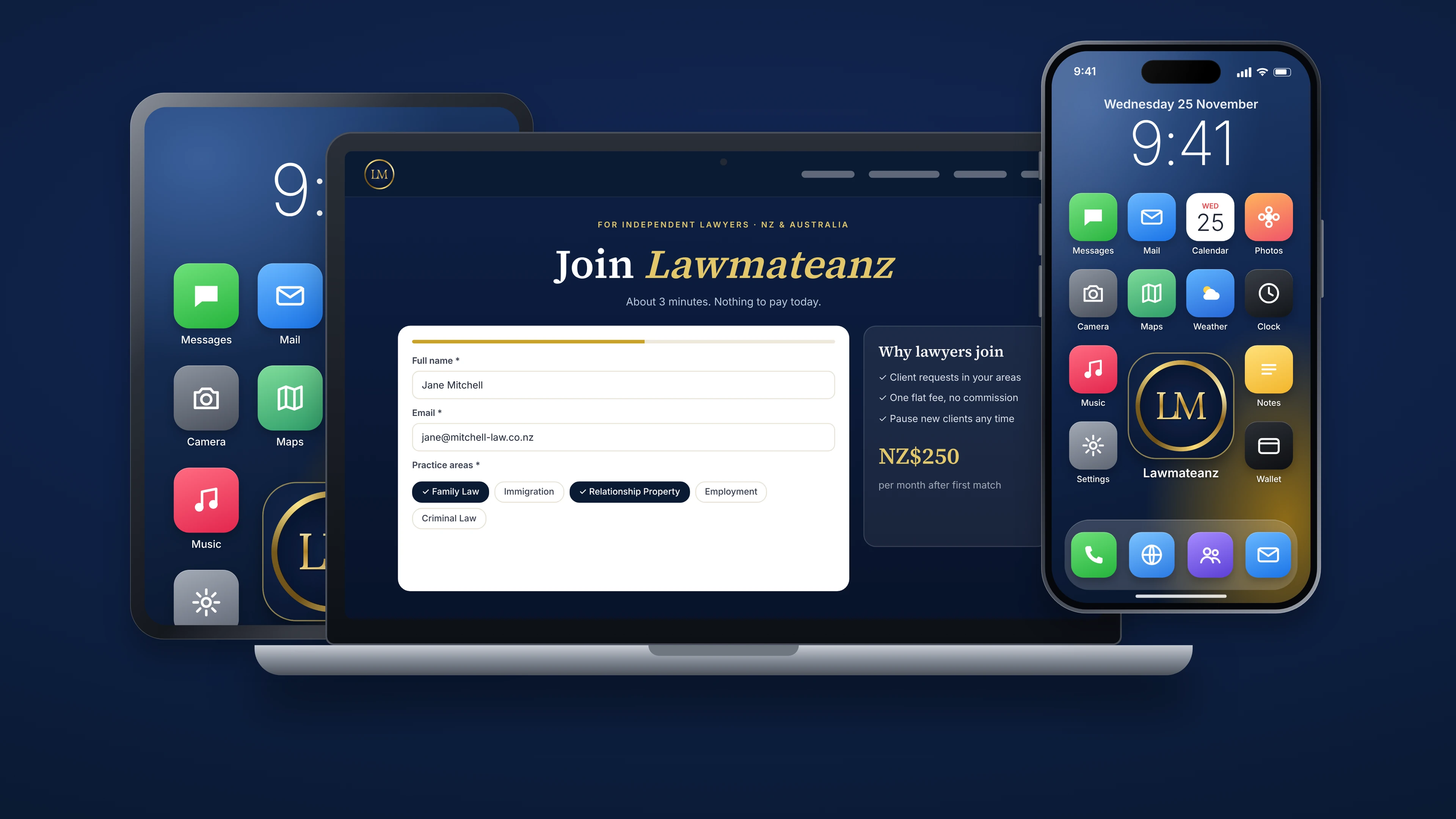
You can now add Lawmateanz to your home screen and open it like any other app. It works on iPhone, iPad, Android phones and tablets, and Mac and Windows computers.

There's nothing to find in an app store. You install it straight from lawmateanz.com, and it takes a few seconds.
Why we made it
Most lawyers check client requests between appointments, usually on their phone. Having Lawmateanz one tap away makes it quicker to see a new request, respond, or switch off new client requests on a busy week.
For anyone looking for a lawyer, it's an easy way to come back to Lawmateanz without searching for it again.
How to install it
iPhone and iPad: open lawmateanz.com in Safari, tap the Share button, then tap Add to Home Screen.
Android: open lawmateanz.com in Chrome, tap the menu (the three dots), then tap Install app or Add to Home screen.
Mac and Windows: open lawmateanz.com in Chrome or Edge and click the install icon in the address bar. On a Mac, you can also use Safari: choose File, then Add to Dock.
Once it's installed, look for the gold LM icon. It opens full screen, without the browser bars.
Always up to date
The app is Lawmateanz itself, so there are no updates to download. Every time you open it, you get the latest version of the site, with the same login and the same dashboard.
For lawyers
We've also made joining simpler. Signing up now takes about three minutes: your name, your practising certificate number and the areas you practise in. Everything else can be added later from your dashboard.
Listing is free and your first client match is free. After that it's one flat monthly fee, and we never take a share of what you bill. You can join at lawmateanz.com/lawyer-signup, or email me directly at reuben@lawmateanz.com.